

The Giant X at TEDxBerkeley 2016

Repertoire Productions had the honor of producing TEDxBerkeley 2016 earlier this year. While most of the project was routine (multi-camera shoot, live streaming, projection, stage engineering, stage management, wireless audio and switching presentations), we decided to tackle a creative endeavor, projection mapping on a gigantic 3D “X.”
We were faced with many challenges due to the constraints of this project. We had only one day to load in, so the X needed to be transportable and easily built on site. The X also had to be made out of materials that were lightweight and cost effective. TEDx events rarely have enterprise level budgets.
Our teams started by using Vectorworks to virtually create the stage and populate it with projectors, screens, and our soon to be giant X. During this process we problem solved locations for the projectors that wouldn’t interrupt the entrances and exits of the presenters as well as keeping the perspective of the audience in mind.

We also used our 3D CAD tools to design the X itself, incorporating support struts to hold up ten sheets of ½” plywood. Sean Foulkes, a member of our team, built the two halves of an X that would be connected on stage at Berkeley’s Zellerbach Hall. He also used specialized grey screen paint suited for projection. In the end, the X towered at 15 feet tall.
Projecting content onto this X required a lot of light output. The X was onstage and light for the presenters would spill onto it. We opted to use two high wattage projectors immediately on top of each other to double our brightness. This required mastering projection mapping software like MadMapper and Resolume Arena to precisely overlay each image and maintain the visual integrity.
We also hunted down the best sources for printed banners, and our creative director personally examined test materials to select the best type for the event. These methodical and detail oriented steps are part of good design, and the remaining part is having an in-depth understanding of real production techniques. While developing a vision for the stage, we can virtually build the stage using common materials and create a shopping list right from the design. This saves the client time and money and makes everyone look like a hero on set.
Creative pre-visualization of staging & a stage design is key to coordinating teams on big projects. Your event needs to look and sound better than previous events, and stay fresh with modern expectations. At Repertoire, we use 3D design software to create CAD stage renderings so you can understand exactly what the event and staging entails.
As the team designed and built the wooden X, we simultaneously edited content as assets for the projected image. We were able to open the show by transporting the audience through a digital warp tunnel, inside this large X on stage with matching sound effects. The lights came up, and the show began. It was a big hit.
Over two thousand people enjoyed watching the show live and even more people watched the stream, tweeting their impressions of the X. It certainly stands out as a great accomplishment for Repertoire and we look forward to helping more producers with creative challenges like this. It’s projects like projection mapping for Tedx Berkely that truely challege us creativly and bring the most out of our abailities. It truely is incredible what can be acomplished when tallented people come together under a similar cause and work together so well. Amazing experiences just like this, makes it all the more worth it.

Challenges and Contingencies in the Global Events Industry
Challenges and Contingencies in the Global Events Industry The current pandemic of COVID-19 that is spreading around the globe has [...]
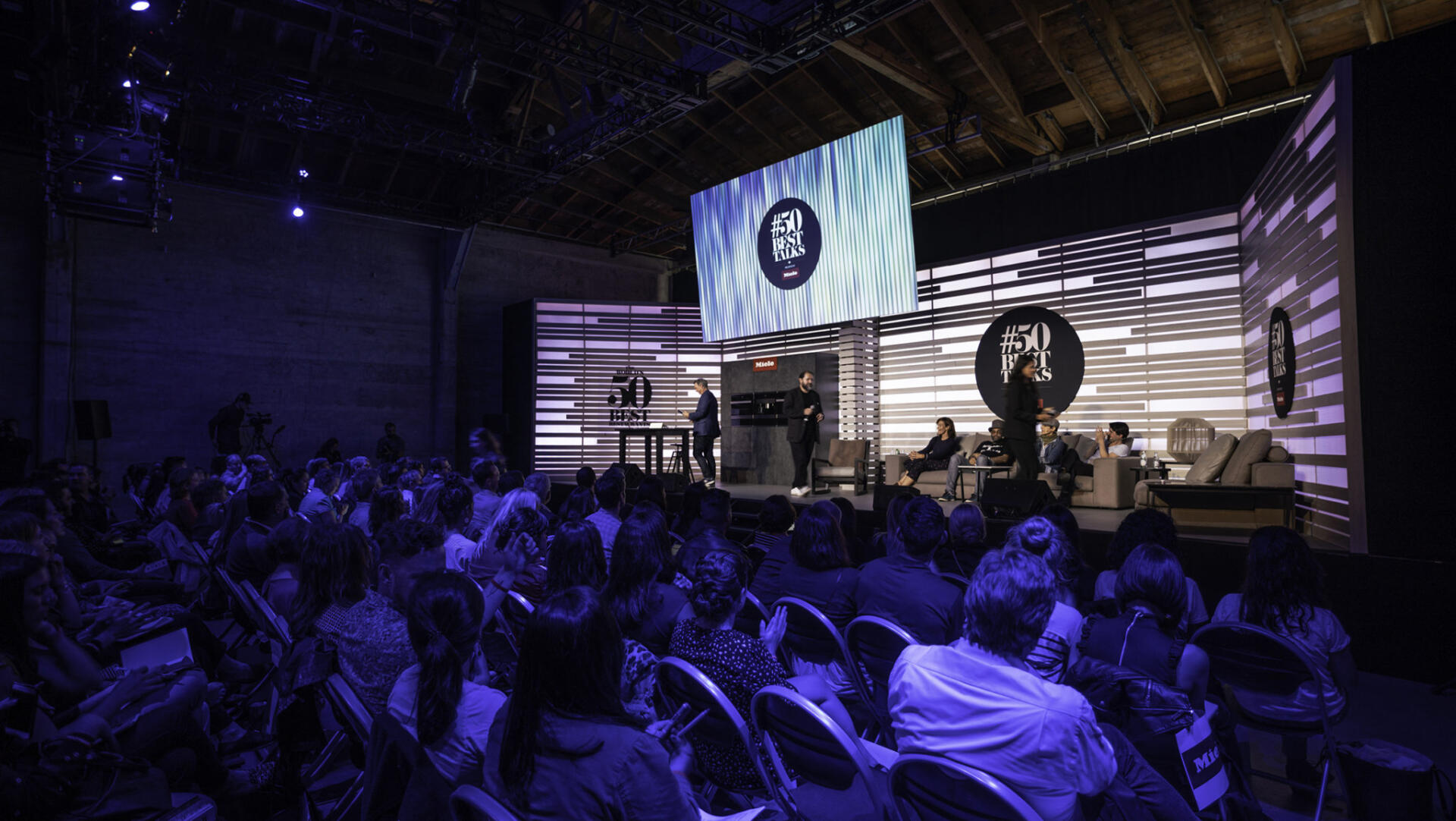
10 steps | Produce a Conference with Video Platforms & Tech?
10 Steps to Producing a Conference Using Video Platforms? With the recent news regarding the CoronaVirus / COVID-19 many people [...]
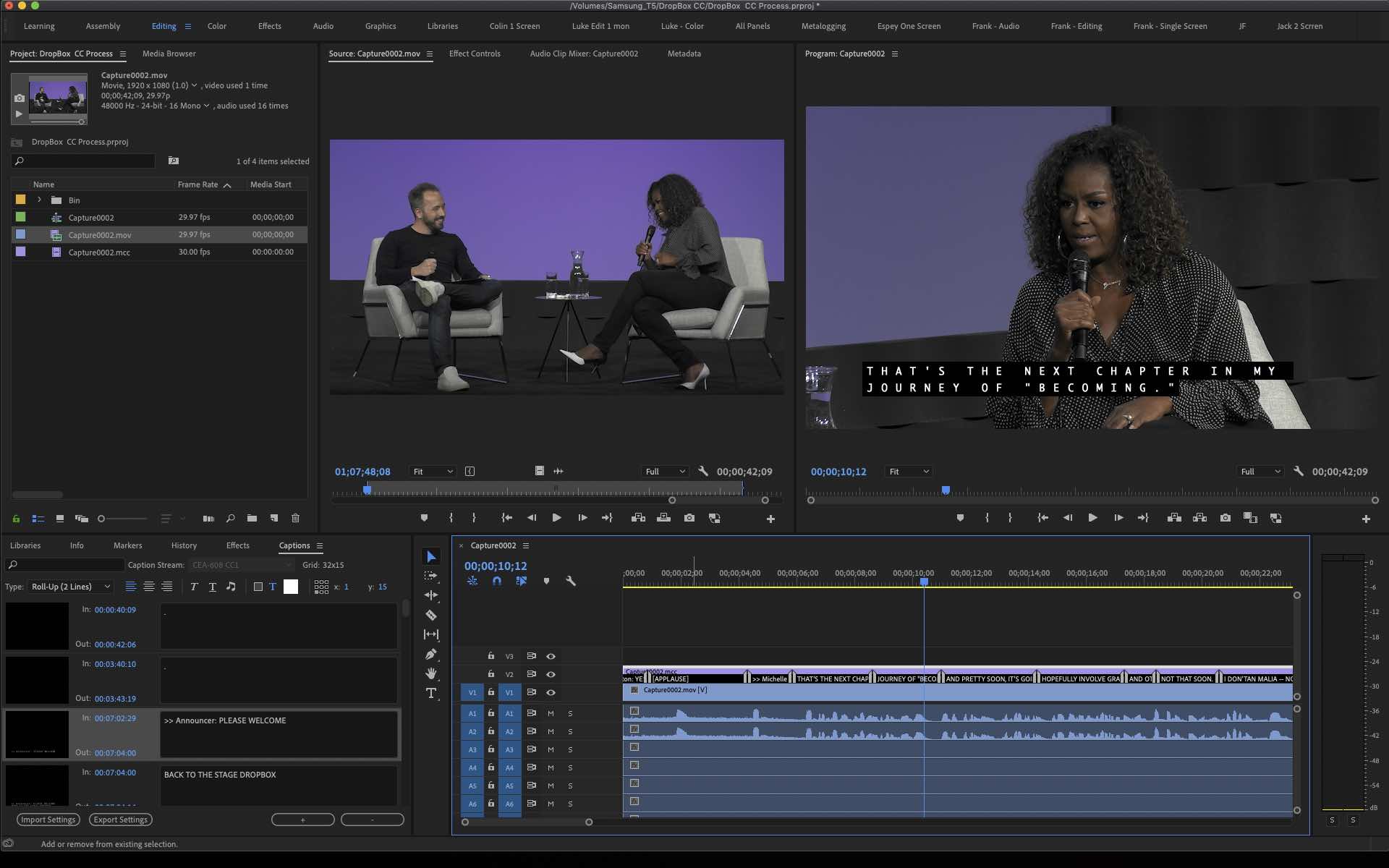
How to Edit & Share Videos with Closed Captions (Captions Made Easy pt. 2)
How to Edit and Share Videos with Closed Captions (Captions Made Easy pt. 2) If you missed our previous Blog [...]
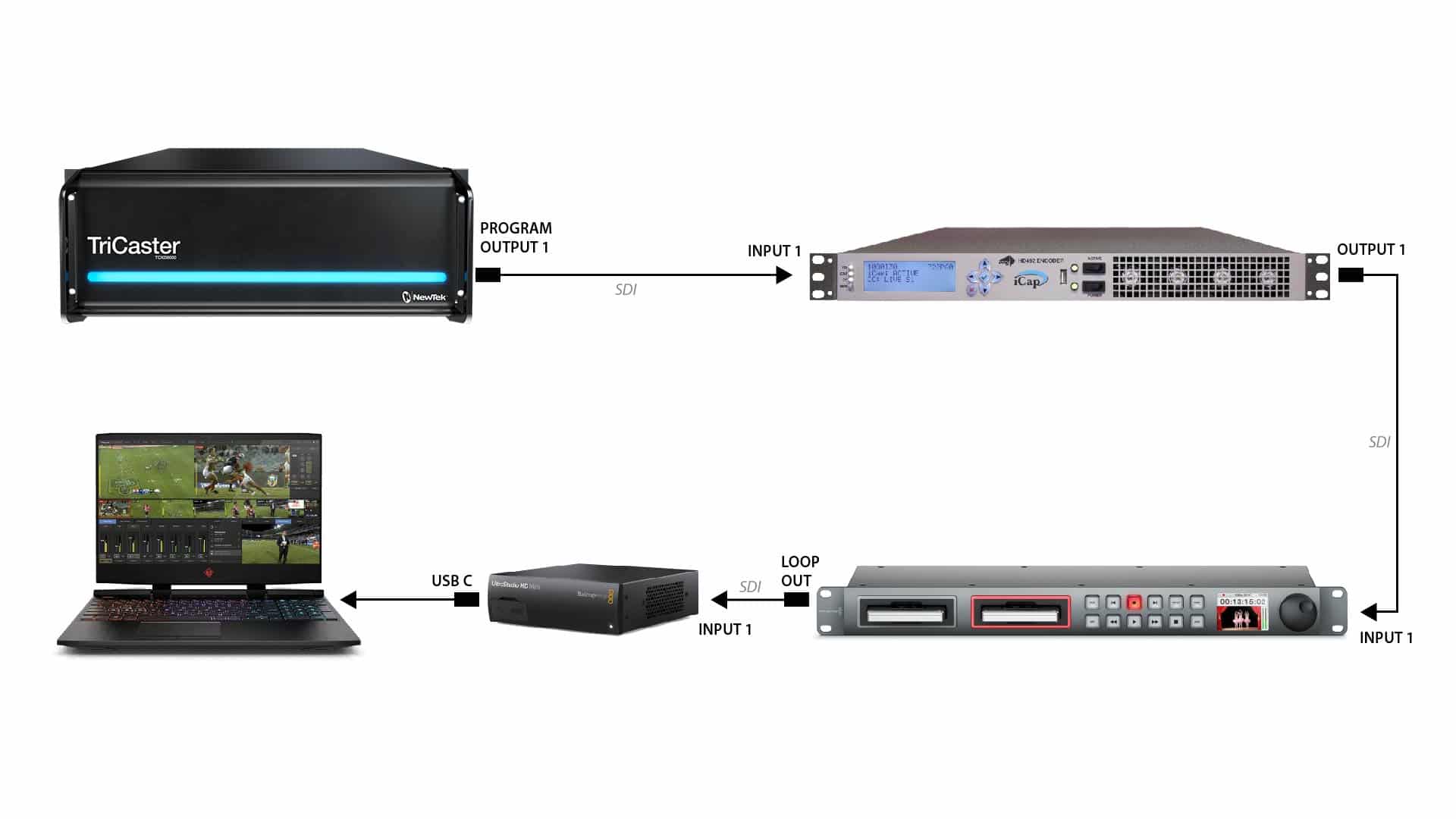
How to Setup Closed Captions for Live Streams with iCap (Captions Made Easy pt.1)
How to Setup Closed Captions for Live Streams with iCap (Captions Made Easy pt.1) Live Streaming with Closed Captions today is [...]
5 Reasons Why We Love Livestream Studio
5 Reasons Why We Love Livestream Studio It supports Closed Captions. While we are still in the wild west phase of streaming, some [...]
Video Production on the Road
Repertoire on the Road! AV Production on the road, that’s right, the video production company you know and love, [...]
