



10 Steps to Producing a Conference Using Video Platforms?
With the recent news regarding the CoronaVirus / COVID-19 many people are concerned with the risks associated with travel internationally and domestically. This concern has led to the cancellation of many conferences and events here in California and around the world including the Mobile World Congress, Developers Conferences and possibly SXSW. Many companies, such as Google, have implemented company wide travel bans for their employees in order to reduce their risk to exposure. A thoughtful move by these large companies, but also avoiding a potential PR nightmare.

The reason you’ve probably landed on this blog is that your big company wide event or big conference you’ve poured hours into the past few months is at risk or has already been cancelled. Fresh out of a meeting with your boss you’re scrambling to find a solution, frantically googling, “My event was cancelled because of CoronaVirus, what do I do? Corona Virus conference cancelled, conference alternatives?” And though things seem bleak now, Repertoire may just have your solution, video production and live streaming, we’ve even broken it down into steps.
Step 1 | Where do we go from here?
Where do you stand with the conference/event? Do you still have a budget to work with and want to still pull this off? Are you needing to find an alternative? Without a live in-room audience, hotels, catering, etc to deal with things actually get simpler and more cost effective. This may be foreign territory, but nothing to be overly concerned about.
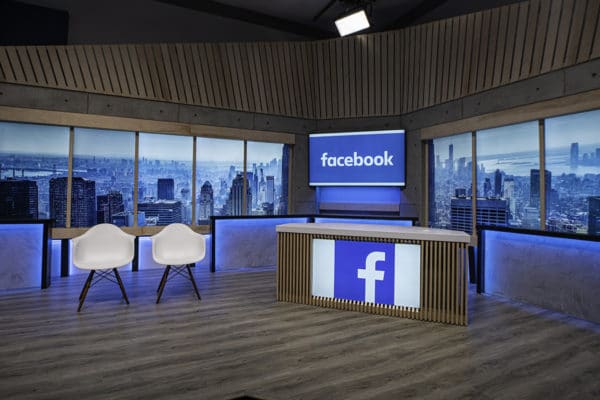
Step 2 | Contact a Studio/Production Company
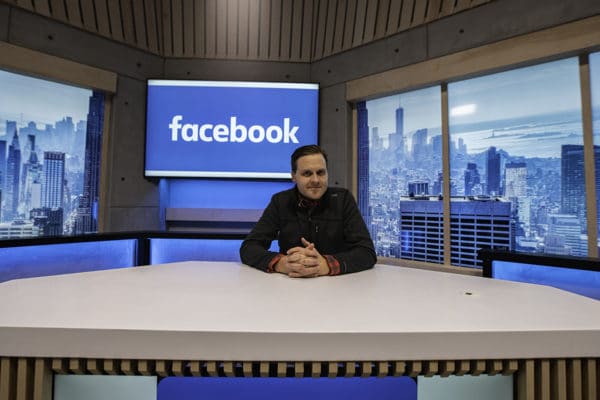
Reach out to a local trusted production company and/or production studio. We recommend our sister company Production Line Studios, who has their own video production studio just outside San Francisco. We’ve also worked with many trusted partners in other cities. The most efficient way to recover from this conference cancellation setback is to produce it virtually. With today’s technology you can record presenters keynotes for VOD distribution to your audience or even live.
Step 3 | Event / Conference Conversion
It’s time to get a game plan in place. How are we going to convert this conference into a studio shoot? There’s a few ways to go about this, most simply, breaking up each presentation into its own segment. Depending on how long your event was intended and how many breakout rooms will mean more time in the studio. One thing to note would be, if not designated for live stream and geared for VOD, your segments could be shot in any order.
Step 4 | Coordinate Keynote Speakers
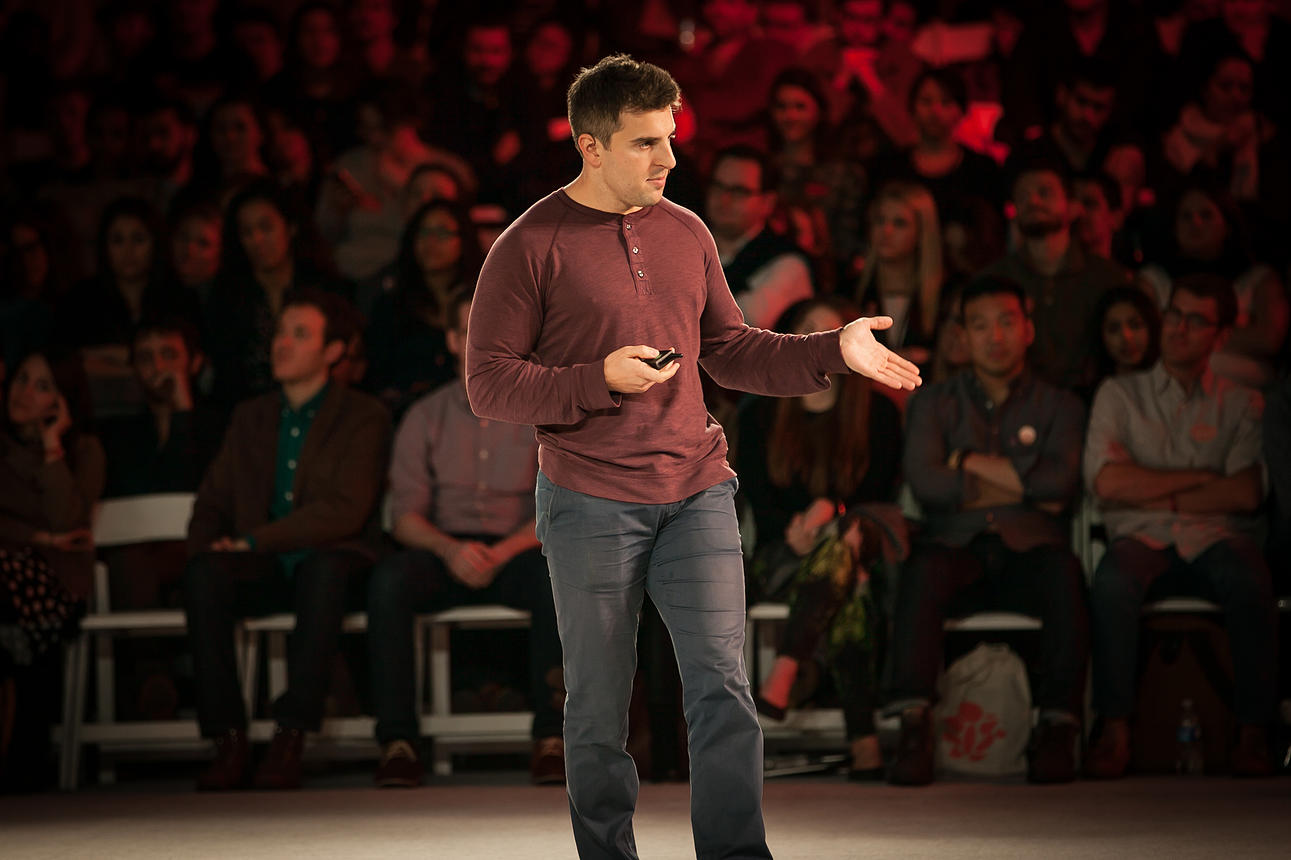
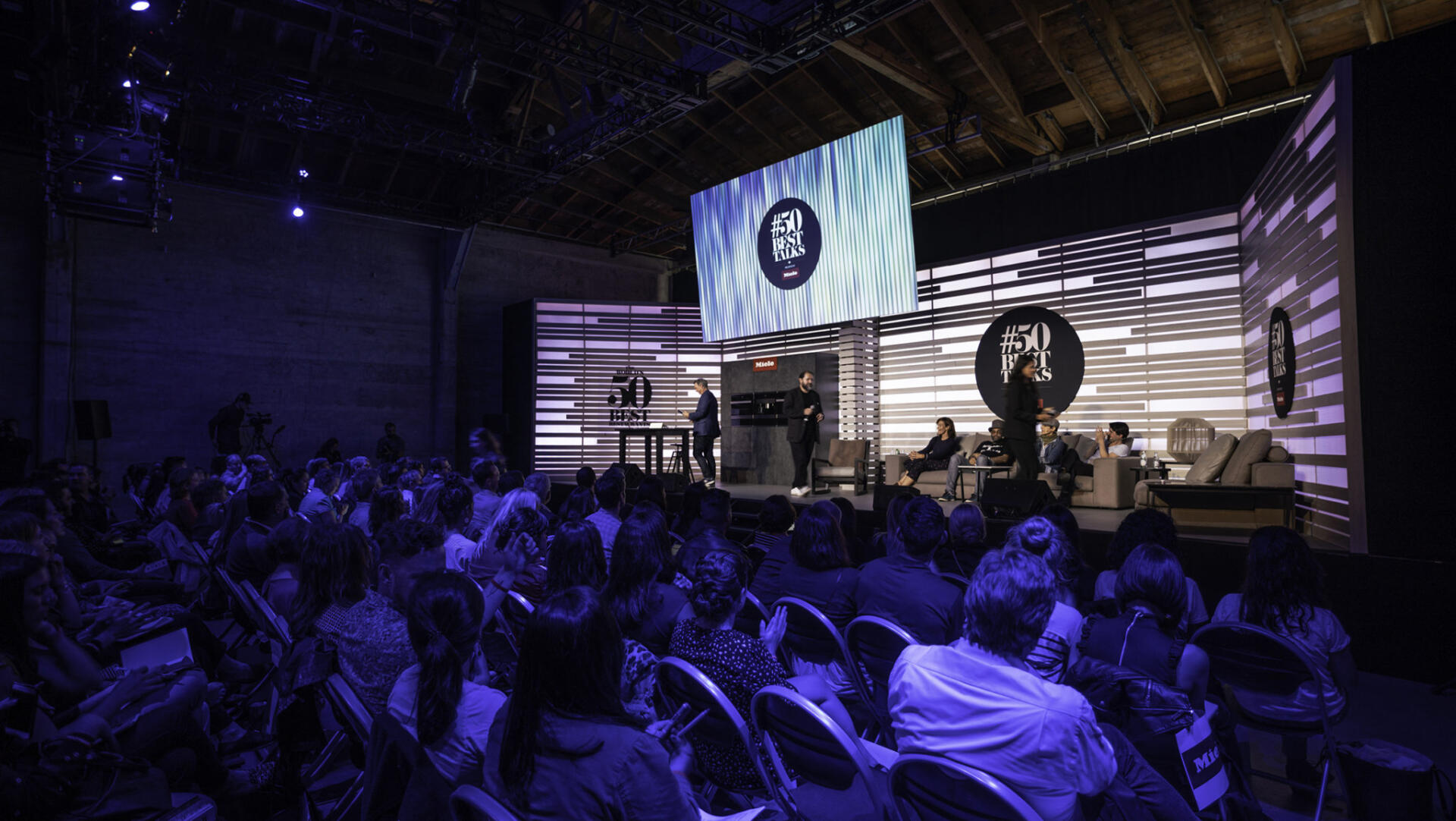
While locking in your studio space you’ll want to coordinate with your speakers on getting them to location at a specific time. Ideally you don’t want everyone present at once, this is where a schedule/Run of show is useful, plus saves time and money in the process. Now, if wrangling a speaker from a remote location is difficult to do travel restrictions, partnering with a studio local to them is always an option. Only restraint is proper time in advance to coordinate.
Step 5 | Communicate needs with Studio
You’ll want to make sure everything runs smoothly during production and live stream and a big part of that is thorough pre-production. Communicating your needs to your studio and production team is a huge part to a successful and stress free production. Try and have a general idea of what you want your final product to look like, talk your team through it.
Will you want a picture-in-picture split screen with powerpoint/keynote?
Will there be any remote presenters?
Pre-recorded video playback ? Etc.
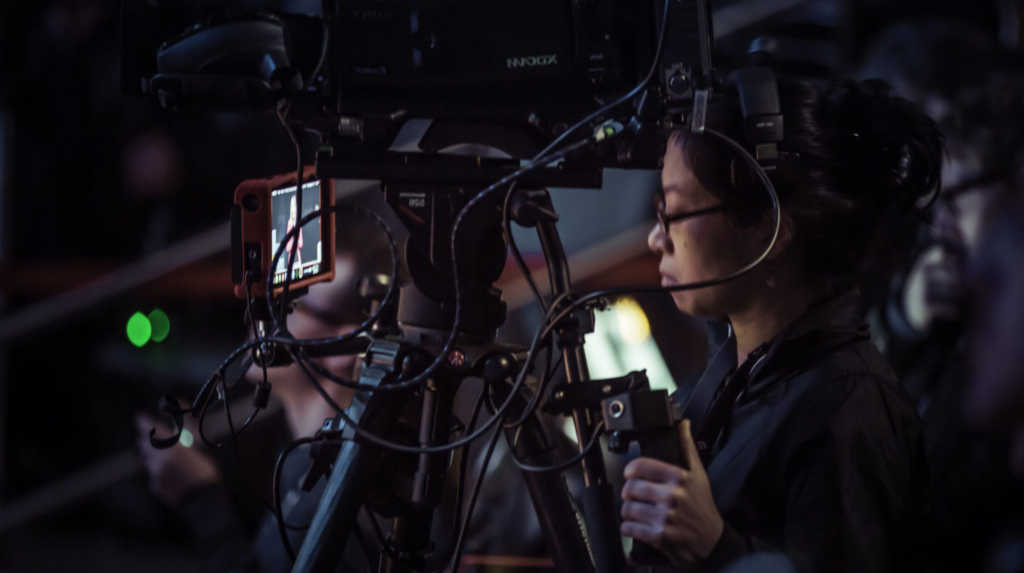
Step 6 | LiveStreaming?

Will you want to live stream this event/conference? There are many circumstances you’ll want to live stream your event. If the event was cancelled, perhaps a live stream during the same period, turning your conference into a virtual experience. Or, time sensitive communication that needs a quick turn around. I myself traveled from SFO to Orlando overnight on the same day’s notice for a company’s live stream for a breaking emergency.
Do you specifically need a pay-wall, encryption, 1080p quality, low-latency, etc? We’re more than happy to talk with you about our favorite live streaming providers.
Step 7 | Production
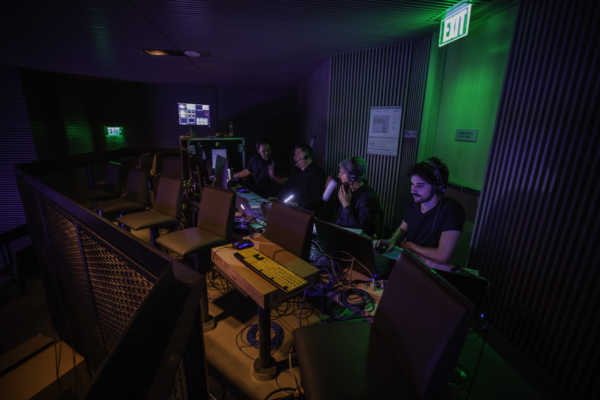
With all your ducks in a row, your production company or studio has hopefully done their due diligence and has you ready for a successful event. This is an opportunity for you to take a step back and relax until needed. At Production Line Studios, their team of professional Audio and Video Technicians and Engineers take content good and bad and make it look and sound amazing, leaving you and your team comfortable to make sure you get everything you need.
Step 8 | Post-Production
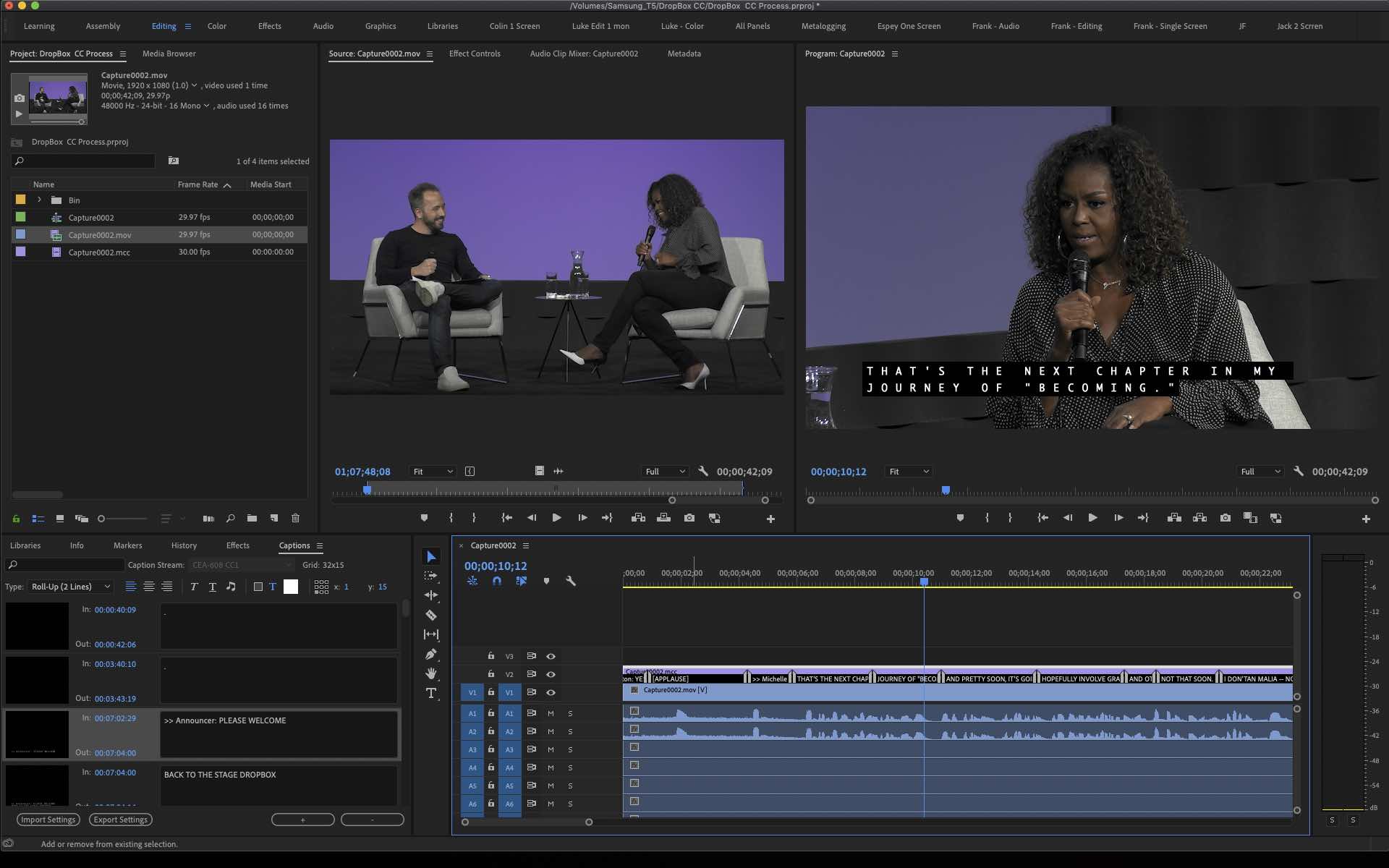
After production it’s time for post. If live streaming is your main destination, this may be a very quick step. Post-production needs come with how much content is needed in the deliverable. If we’re looking to do multiple segments, the hours entailed increases, and in similar cases where a talk is shot to edit or needs major changes/redactions. This tends to be quite case by case, and is something that any production company should be able to estimate for you.
Step 9 | Distribution
Time for one of the most important parts, distribution. You’ve spent all this money recording video content for your company, now it’s time to get a return on investment. If live streaming, it’s important to share a link on all of your public/private social platforms to get the word out. Unfortunately today, people are far more inclined to watch VOD, hence the drop in cable subscriptions, this makes it that much more important to spread the word to get viewers.
Even more important is the higher quality records, segments or edits for VOD. Post your recorded content, if public, to your channels and socials or your company portals. We’ve had many partners even create custom landing pages to host the videos allowing for comments, Q/A and other interactive items.

Step 10 | Repeat
Now that you’ve done this once, sorry to say, it’s likely it’ll be popular with multiple parties in your company and you may be doing this more often. Studio records can get your message across cheaper and more efficiently making the admins very happy, while allowing attendees to stay home and spend more time away from work and more time with their families.
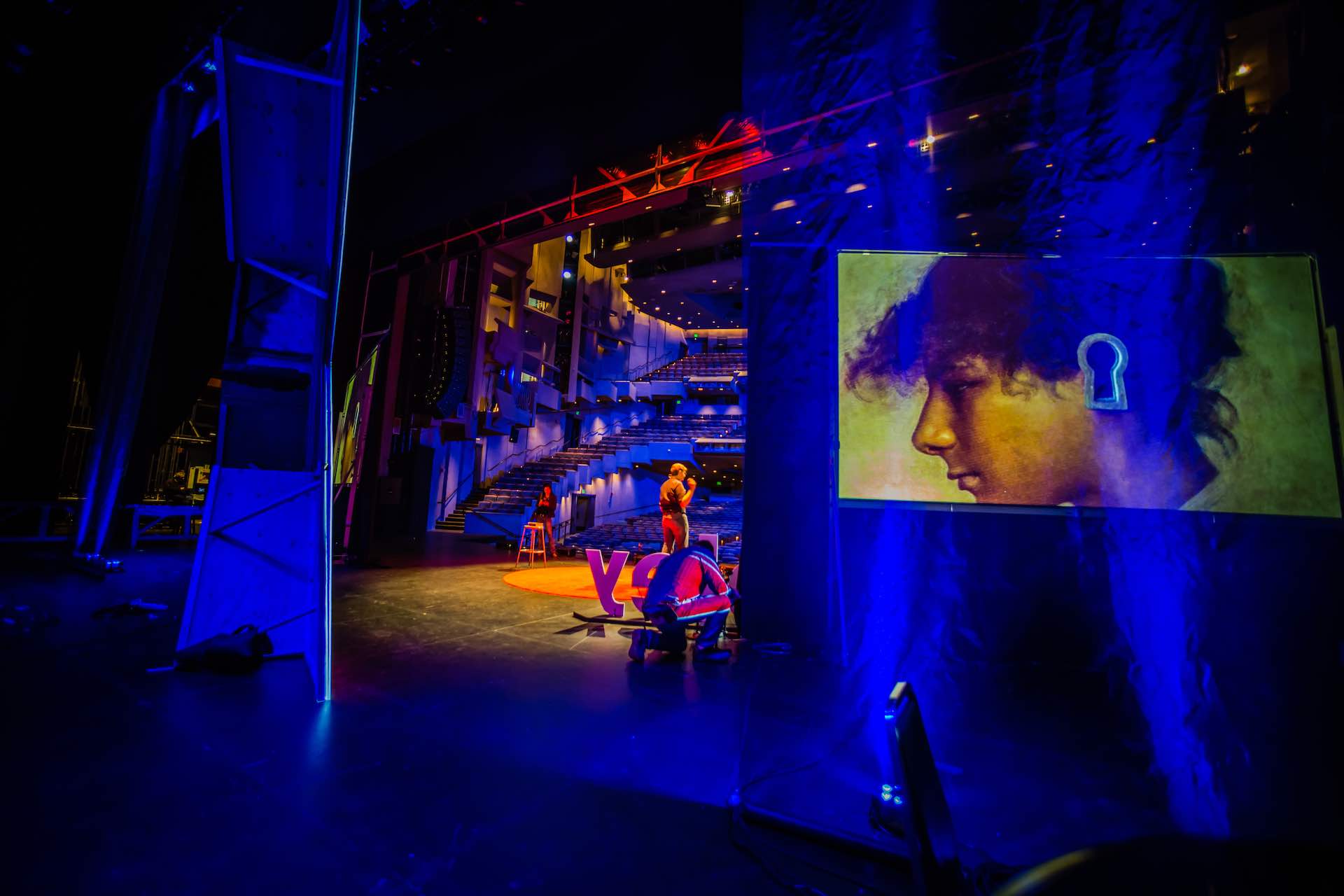
Produce Engaging Videos – 10 Tips from TED.com – The Science Behind it
Produce Engaging Videos - 10 Tips from TED.com - The Science Behind it Why is TED the greatest event [...]
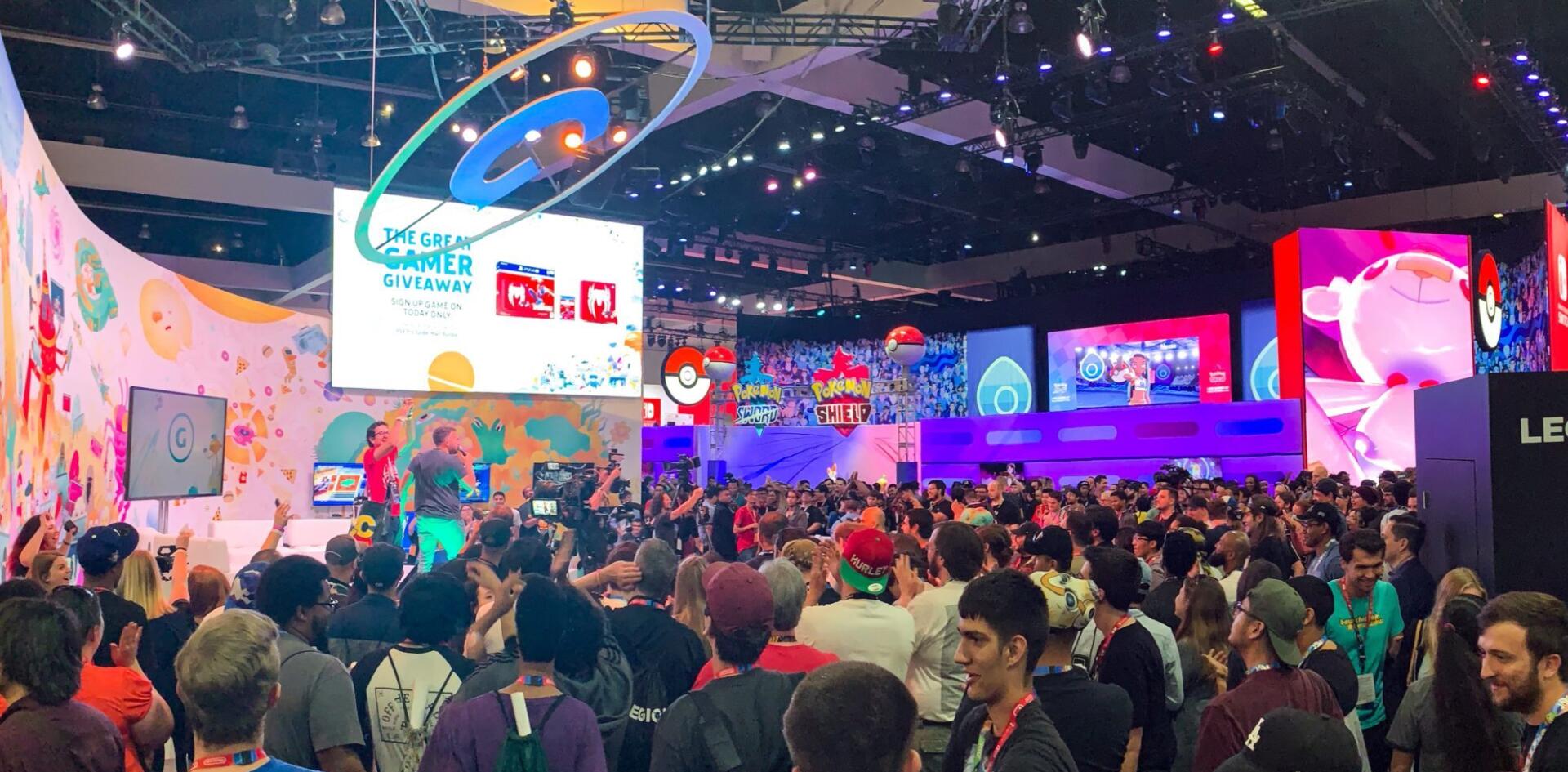
Event Video Mastery – 10 Amazing Tips We Can Learn From Gamespot @ E3
Top Ten Things Gamespot can Teach us about Mastering Event Video Gamespot is Incredible at Producing Event Video Coverage [...]

Hybrid Events How to – Remote Guests
Remote Speakers & Hybrid Events Can speakers present remotely for an in-person event? Yes they can, and in most [...]
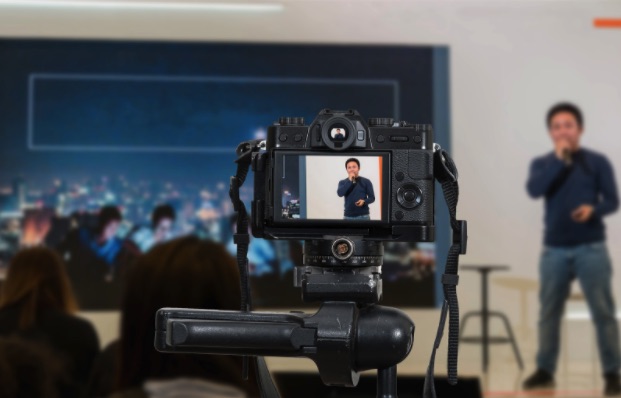
5 Tips for Engaging Livestream Set Design
5 Tips for Engaging Livestream Set Design Author | Josh Whitaker Perhaps surprisingly, the amount of people who actively choose [...]

Successful Virtual Set Branding for Webinars & More
Successful Virtual Set Branding for Webinars & More Author | Josh Whitaker Do you often find yourself needing to present [...]

Configuring a Pandemic-Friendly In-Person Interview Set
Configuring a Pandemic-Friendly In-Person Interview Set Author | Josh Whitaker Although there seems to be a light at the end [...]
