Remote Speakers & Hybrid Events

Can speakers present remotely for an in-person event?
Yes they can, and in most circumstances you can without much issue. Now there is a varying degree of production quality that is achievable with remote speakers, this is just dependent on the investment that can be made. There are a few option available in how you can achieve this successfully and have an engaging highly produced presentation. Options range from highly produced pre-recorded presentations, live remote speakers via Zoom, Vmix, etc, or simple self pre-recorded presentations via webcam.
We’ll take a deep dive into how to achieve each one of these setups for bringing in remote speakers, as well as cover the benefits each. There’s no one size fits all solution, but just like other elements in virtual hybrid event production, we’re lucky to have the flexibility to utilize a mix of platforms and avenues for bringing in remote speakers and giving them an opportunity to create an engaging for the in-person and remote audiences.
Live Remote Speakers
Live remote speaker are certainly an experience. The energy between them and a live audience is unparalleled. Live production though is not without added risk and limitations on production quality, it does though add for an easier experience for your speakers that are limited on time. Paramount for a smooth and successful live production is timing. Start early and communicate clearly the expectations for your speakers. Get them connected to your production ahead of time and make sure they’re comfortable prior to going live. Content is key, everyone wants the speaker to give a compelling presentation.
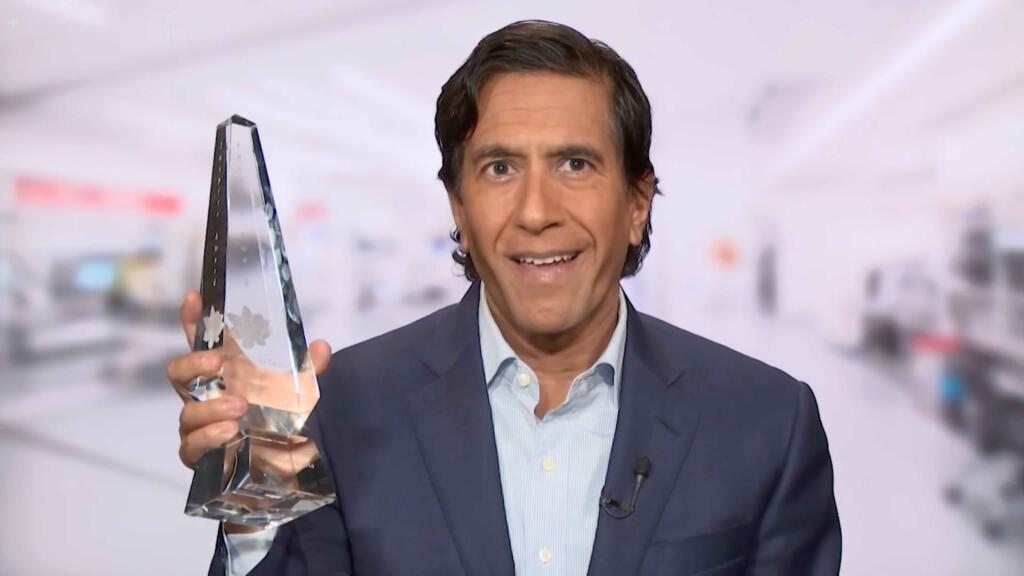
Production quality is determined by investment in time and but also equipment, this can range from sending remote speakers DSLR camera kits to simpler webcam kits or simply allowing them to use their own personal home/office computer setups. Each of these choices has it’s own benefits and drawbacks, each better for different circumstances and restrictions. Let’s break down the options…
Vmix Call, Microsoft Teams, Google Meet, Zoom or Something Else?
When bringing in a remote speaker or presenter to a live production, fully virtual or hybrid, you’ll need to use some sort of video conferencing software (VC). There are a lot of different options, Zoom, Google Meets, vMix, Microsoft Teams and so many more. We’re not going to cover all of our options, today we’ll focus on Zoom and vMix. Determining what VC platform is right for you is a lot of variables. Some of our clients are required by regulatory or security departments to use a specific platform, some don’t have that issue. Your production team will certainly have a preference that best fits your production needs.
Zoom and vMix are both great options for bringing in live remote presenters for a virtual/hybrid live production.
Using Zoom in live production requires the pinning of a speaker on an external source, for example a video switching system. If needing more than one speaker during a presentation or a fireside chat for example, you will need to add additional computers and zoom instances for each. Video signal can be sent back to them from the stage camera or studio camera via a capture card or network via NDI virtual camera depending on the production style.
Platforms like vMix on the other hand, gives the production team more tools to send and receive signal to presenters and has a greater ceiling for video quality. If you production has a series of back to back remote presenters, small groups of remote speakers, or complicated stage shifts needing virtual green rooms, vMix might be the right move.
Pairing these platforms with other tools can be extremely useful too. For example, Cliqer.io is a great tool for remote speakers to collectively control a slide deck or powerpoint presentation local to the live production.
Zoom ultimately is the more stable and simple option on the speaker side, but at the sacrifice of slightly lower video quality and scaling limitations. Deciding what platform you’ll want to utilize, should fall to the hands of your production team as they’ll ultimately be the ones dealing with the pitfalls of either option and will certainly have preference.
How to Pre-Record Remote Presenters
Pre-recording remote speakers can relieve a great deal of stress from your live production as well as increase the quality of your content a great deal. Everything from increased video and audio quality to a more relaxed environment for your presenter. When recording with a remote presenter we’ll either utilize their personal computer or send them a camera kit.
We’ve become very familiar with the online platform Riverside.fm, an extremely user friendly platform that’s easy to use and utilized by many large names in the industry from TED, NYT, NPR and more. We typically line up time with remote speakers with one of our producers/directors to coach them through lighting and framing themselves on screen and then running them through presentation records on Riverside.
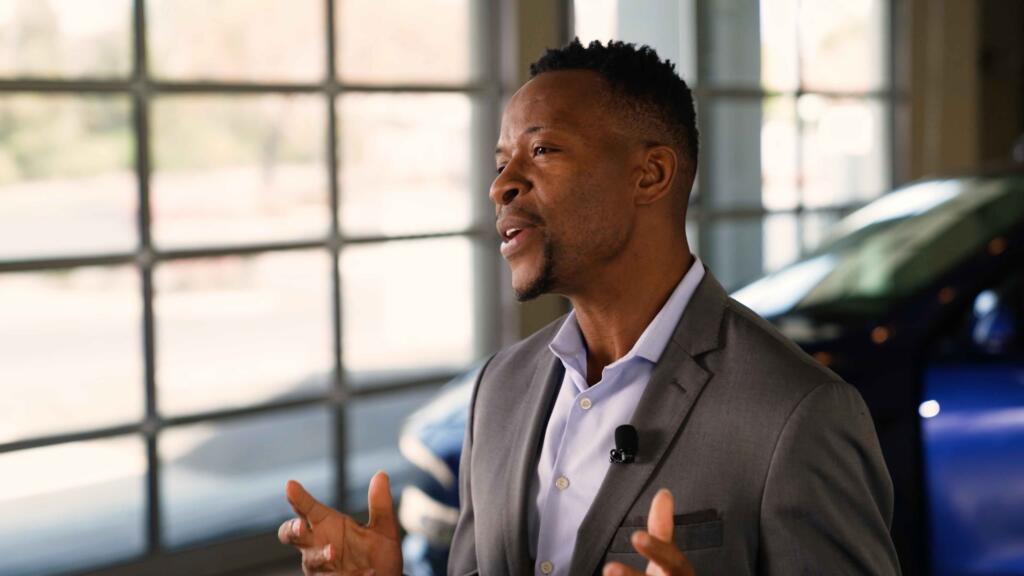
A benefit to us using a platform like Riverside is that we’re able to automatically receive cloud access to the local record done on the speakers computer and immediately begin the edit process. This allows us to keep to quicker turn around times and work with the highest quality possible. Internet instability, not an issue, our records are local. Speaker makes a mistake and wants to restart? No problem at all, we’re happy to fix that in post.
Should I Send Remote Presenters Camera Kits?
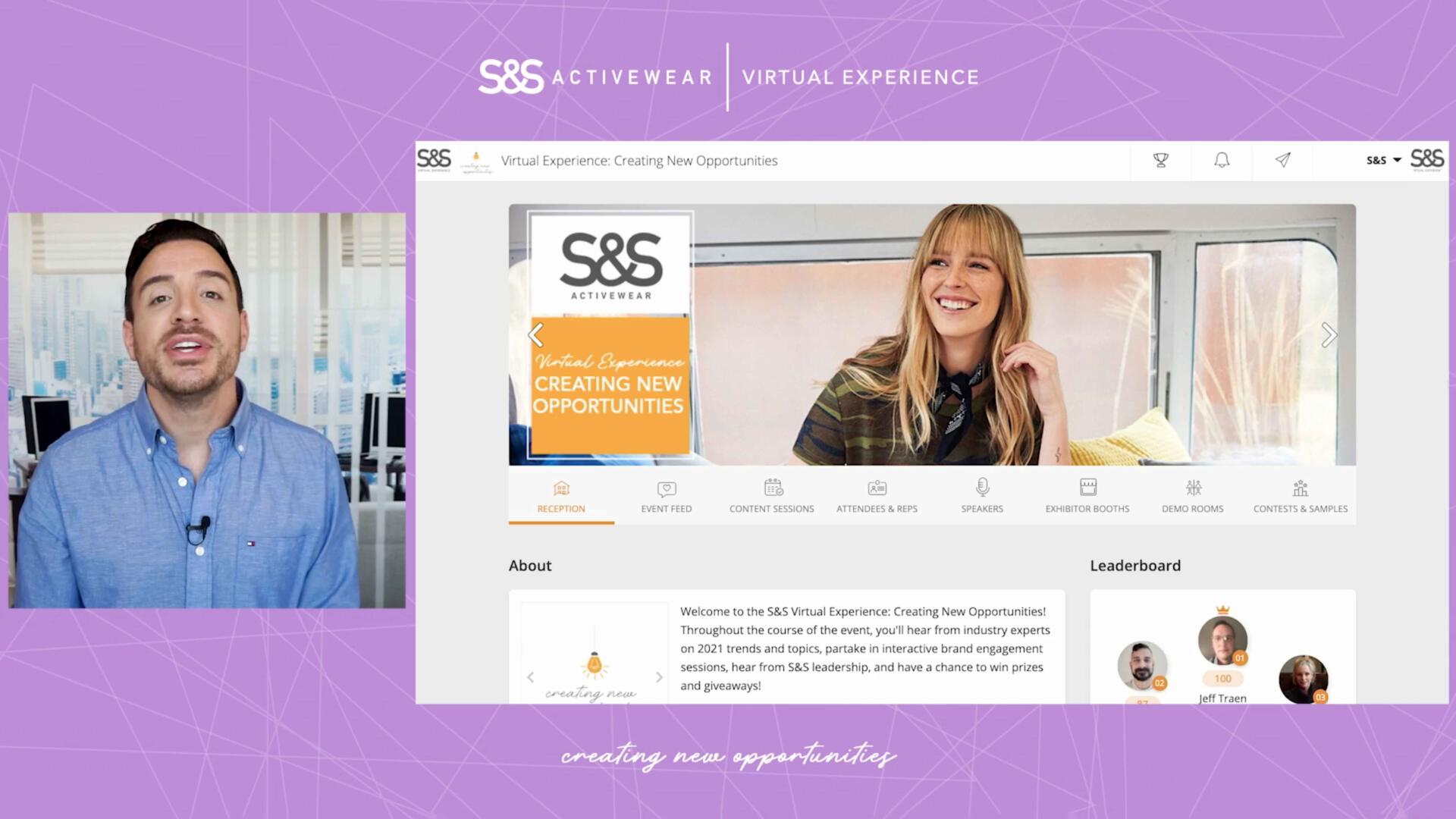
Sending kits to remote speakers is a great way to increase production quality of your remote speakers and really set a strong foundation for all of the content for your live event. We send our clients primarily two tiers of kit, one being our top tier kit, including items like the Sony A7iii, wireless lavalier mic, color adjustable lighting, capture card and a MacBook Pro or comparable. The other kit being a MacBook Pro paired with a high quality 4k or 1080p Webcam. Both kits bring a huge quality improvement over standard laptop webcams, typically maxing out at 720p, as well as improved laptop performance.
Even with kits, live remote speakers unfortunately still face the limitations of local internet quality and stability. Thankfully remote presenter internet stability is not a show killer. There are ways to circumvent these issues, an in most cases, increase the quality of production even further, with pre-recorded content.
Virtual Events, Hybrid Events, In-Person Events, use one, use a mix of the three, that’s the joy of virtual hybrid events, cater the experience to best fit you, your speakers and your audience, remote and in-person.