



The most important trends in Live Events.
Technology, connectivity, data, and creativity have driven entirely New Concepts in Live Events. Established, proven event ideas have undergone enormously exciting changes too! Trends have emerged across the spectrum. Read on for updates on Live Streaming, Keynotes, Remote Presenters, Panel Discussions, Fireside Chats, Product Showcases, Guest Speakers, Video Presentations, Q&A, Team Building and Culture Building.
Live Event Trends are evolving as fast as culture and society.
The internet, mobile devices, and interactive social media are ubiquitous, touching every aspect of peoples lives every day. Expectations are higher, attention harder to earn, content is on-demand, video is essential, connectivity is non-negotiable. Creating and producing Live Events that connect with an Audience, present a memorable Message, and deliver Results is a more complex, more demanding task than ever but ultimately it can be a thrilling, rewarding experience for everyone involved.
Whether it’s a Quarterly Meeting, Town Hall, All Hands Meeting, All Employee Meeting, Monthly Meeting, Sales Update, Employee Resource Group, or Weekly Meeting. Some or all of the elements discussed here will play a part, especially in the Bay Area where innovating and forward-thinking is what we do! So, let’s move forward.

Live Streaming…
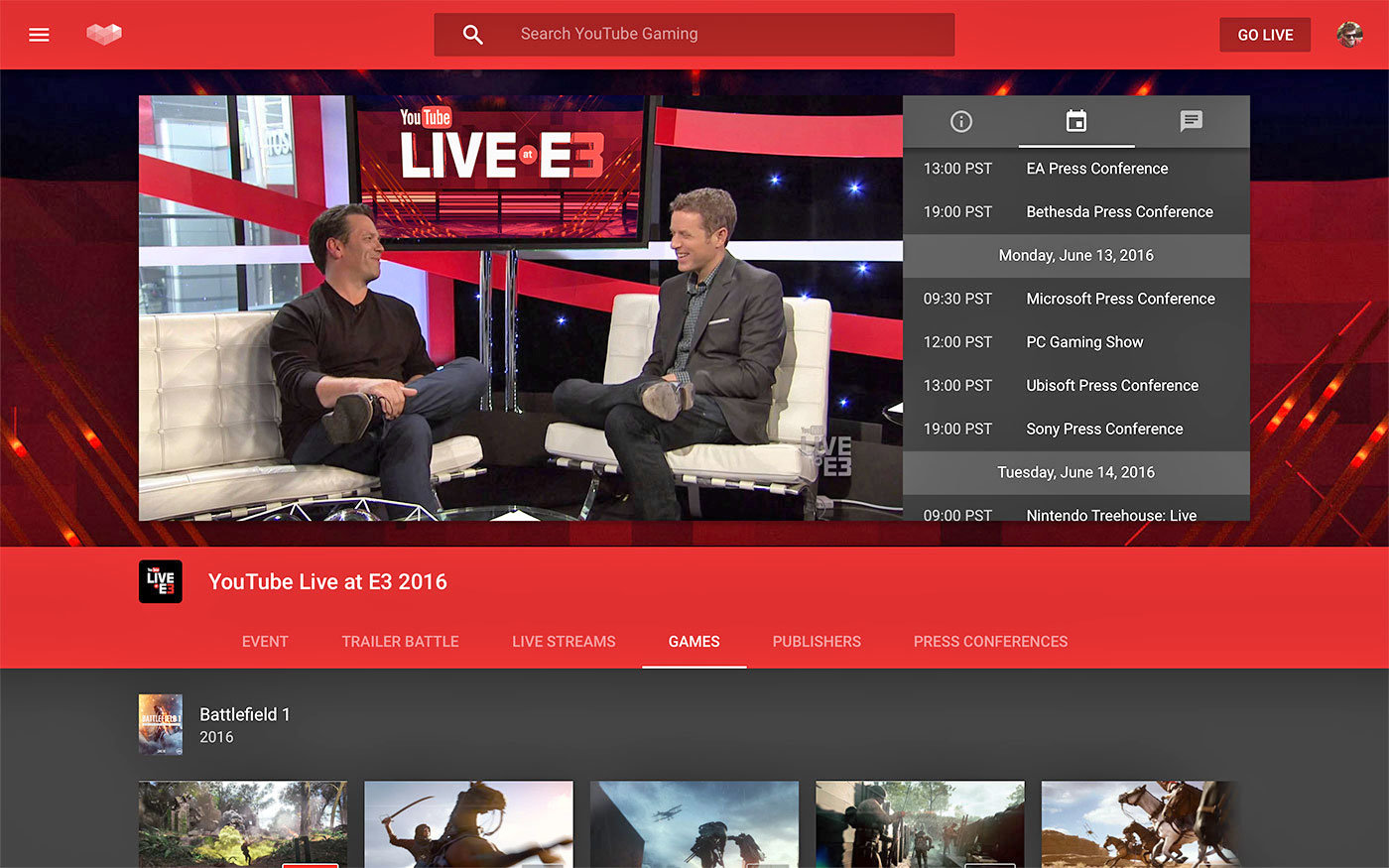
The widest-reaching innovation in Live Events is Video, Video Integration, and Live Streamed Video. We start here because Live Streaming and Video Integration will recur through every other concept. This post is not intended to be a comprehensive overview of Live-Streaming trends. But stay tuned for our upcoming post about all things Live Streaming! Photo credit: Engadget.com
Video is integral to life in the 21st Century and even more central to Live Event Production. Conference calls and day-to-day meetings are frequently video-centric. People expect video, screen sharing, and interactivity. Even when Live Events are not streamed live to an audience, videos are presented, presentations are videotaped and remote presenters are connected via video.
Most Live Events are Live Streamed in some form or another.
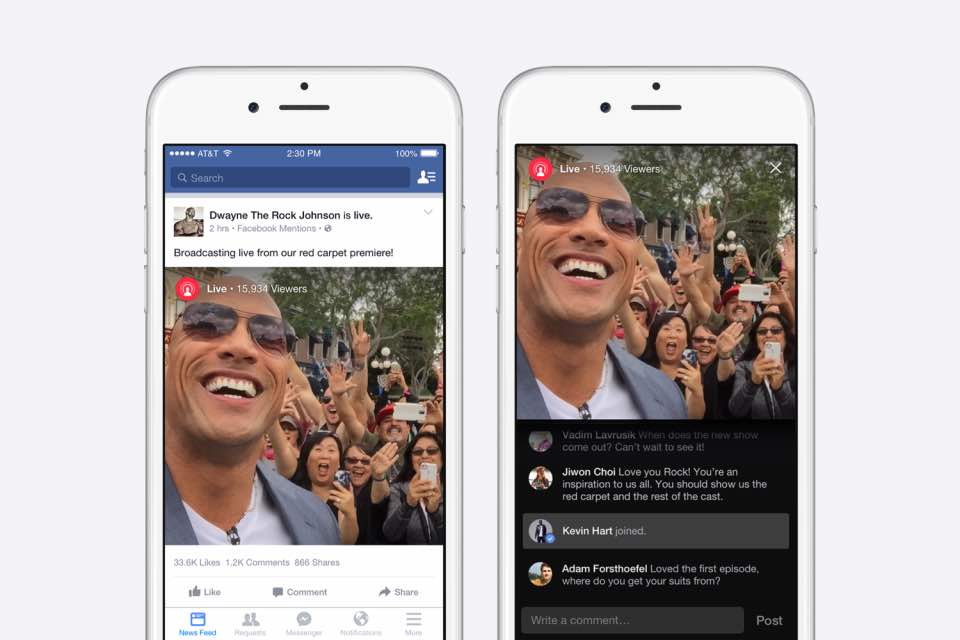
Private, secure, live-streamed events for Employees, Journalists, Investors, or B2B audiences. Public, live-streamed events for Marketing to a core following, or to a staggeringly large audience in the millions. Both are hourly-daily common occurrences. Video is not only streamed out to the Audience, but a video signal is frequently ‘streamed’ into events in the form of Remote Presenters, or Remote Audiences, and both often require two-way interactivity. Photo credit: Facebook
Live Event Keynote Presentations
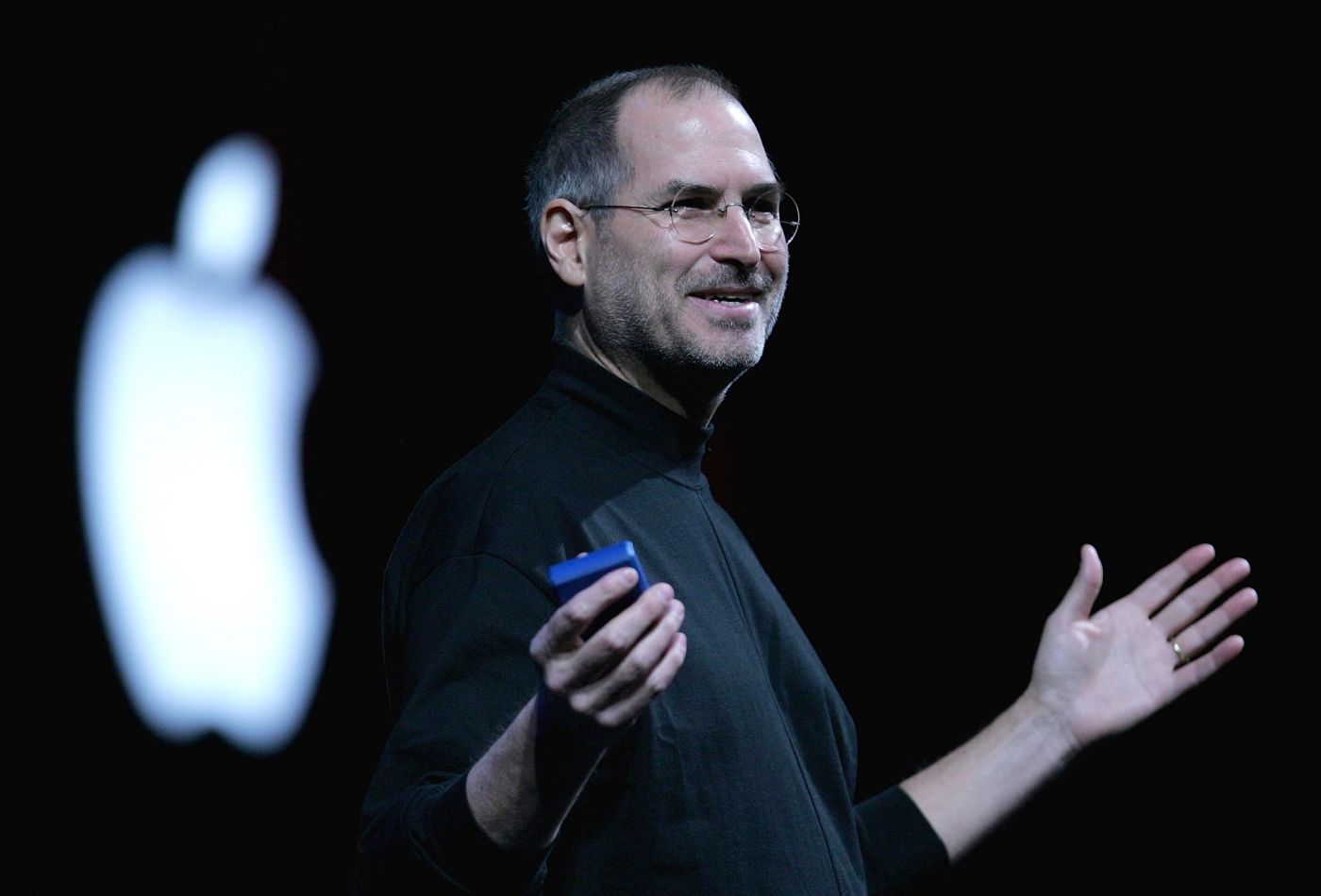
A Keynote encompasses the main theme, innovation and ideas of a Conference or Convention. The Keynote Address dates back as far as 1891 in American History but it is no longer the exclusive domain of Politicians and Academics. The modern use of the term “Keynote” was popularized by Steve Jobs and his masterful use of the format, so much so that a keynote is even referred to colloquially as a Stevenote.
“One More Thing…” Does this phrase resonate with you? Very probably… and that’s because well-constructed Keynotes are an incredibly effective communication tool.
It is increasingly common for internal meetings, quarterly meetings and Live Events of all types to feature a Keynote by a C-Suite Executive, Leader or an Invited guest. It has become Science as much as Art. There is an entire world of resources available online including great examples of Keynotes, fantastic software to handle your presentation deck, and online articles and entire library shelves full of books to help prepare a great Keynote speech.
Production Tip:
We recommend Powerpoint or Keynote for Slide Presentations over Google Slides during live events. We love Google but for Live Production, Google Slides excellent open collaboration feature can be its downfall. Technical Elements for Live Events should be tested, double checked and tested again, and a well-meaning last minute change can be disastrous!
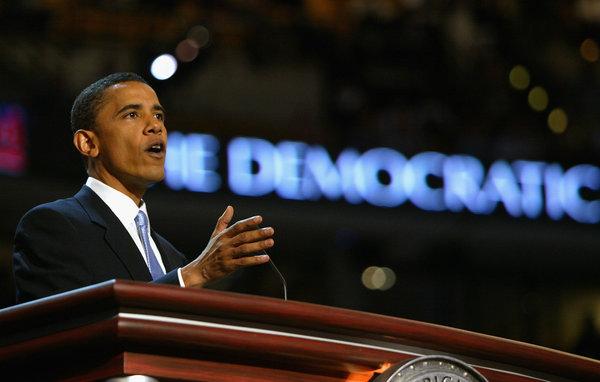
Remote Video Presentations
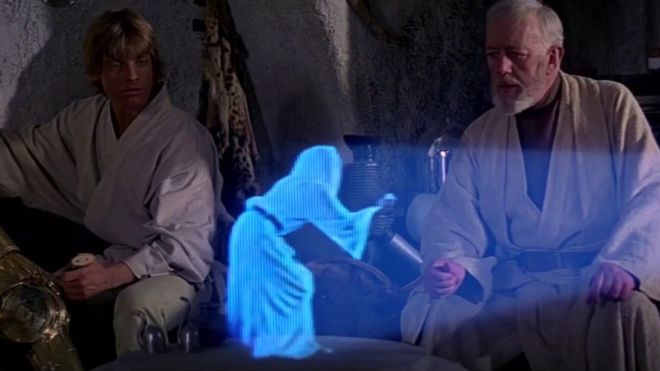
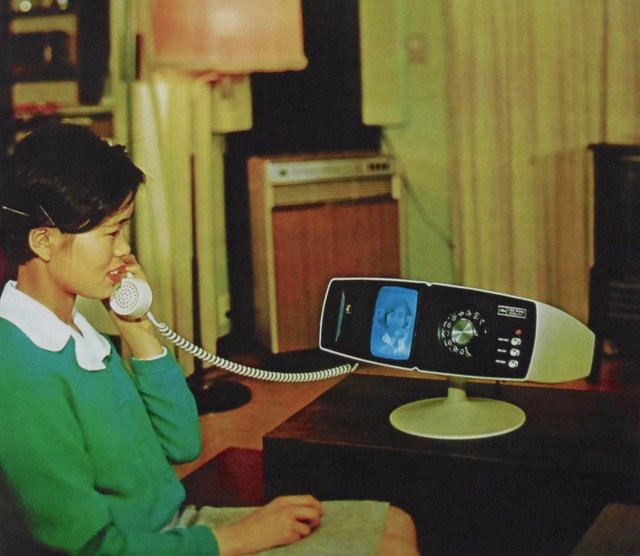
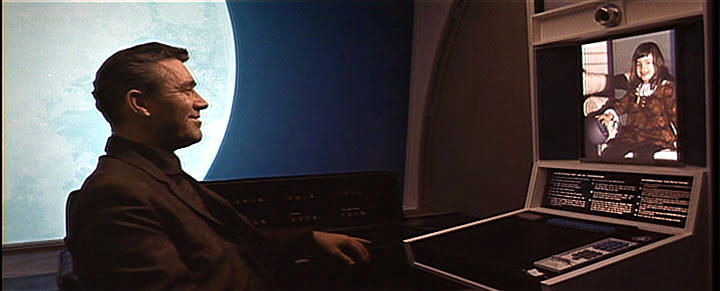
Remote Presenters and Remote Presentations. Video Calls were once the stuff of Science Fiction but have rapidly become a daily reality, especially in the last decade. The ability to incorporate a presenter guest from interstate or internationally is now normal and expected by Live Event organizers and audiences. 3D Holograms aren’t impossible or improbable but they aren’t common enough yet to be included as a trend.
Remote Presentation Case Study: Head of Supply Chain Operations, Gabriel Depardieu is based in South Korea while several hundred Supply Chain employees are based in France. Your Live Event is here in San Francisco. Gabriel will present via video and share a slide deck from South Korea, the video and slides will be displayed Live at your event and mixed into the Program output for the Live Stream. Later in the Event, the Audience in France will be able to ask Gabriel questions Live via Video. Totally. Normal.
Remote Guest Case Study:
CMO Maria Santos had to fly to New York unexpectedly on important Business and can’t attend your Live Event in Palo Alto. Go to Market is in two months. Maria needs to be part of the meeting, was scheduled to be part of a panel discussion, and wants to follow the presentations from division leaders. Staff will have questions only Maria can answer. From a laptop in the Airport Lounge in DC, Maria will join the meeting via video and audio using headphones. Totally. Normal.
Remote Locations Case Study: HQ is in Isreal and primary US office is in Mountain View. In this example, BOTH locations are holding Live Events, with an Audience and Live Presentations. Both locations require Presenters and Audience cameras and microphones, both locations require the ability to share Slides and Video playback. Both locations require Live Audience Q&A interactive capabilities. Totally. Normal.
Panel Discussions
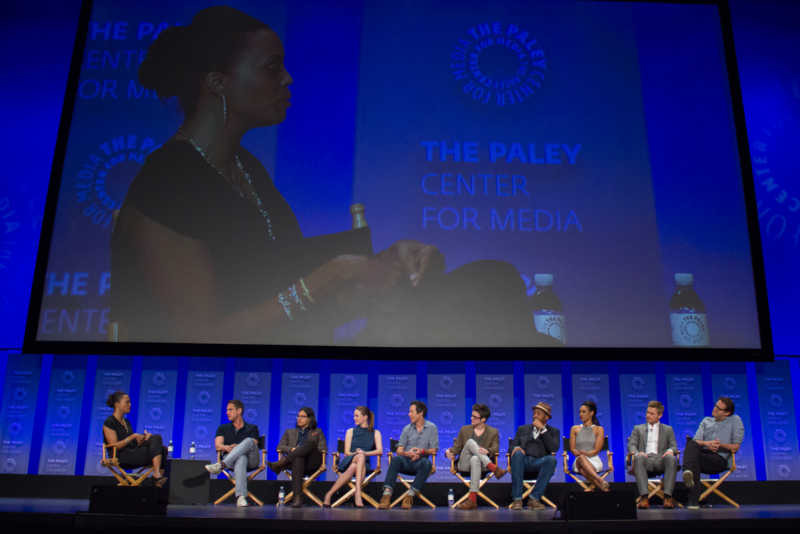
What is a Film Festival without a Panel Discussion? More and more, the same is true of Corporate Live Events, Quarterly Meetings, and Live Streams. The Panel discussion allows for an inclusive group to be seen and a range of perspectives to be heard. The trend for Panel discussions for corporate events is typically a line of “directors chairs” or stools across the stage instead of using a table or desk.
Presenters who have already given a presentation will have lav mics and a handheld microphone is passed between guests that are new to the stage. Also very common is that the Panel discussion will entail a Q&A or will be scheduled back to back with the main Q&A session and function as a lead-in. Photo Credit: Wikipedia
Production Tip:
Some wardrobe decisions don’t mix well with Directors Chairs or Stools on camera or on stage! Be sure to send a Modesty Warning to your Presenters if you are using furniture that will cause embarrassment! Rose Eveleth explores this issue in depth in this article on Design Bias over at VICE.com.
Live Event Fireside Chats

March 12th, 1933 President Franklin Delano Roosevelt delivered his first Fireside Chat via National Radio. Fast Forward to 2019, the Fireside Chat is a mainstay at corporate conferences, quarterly meetings, and many periodic employee meetings. The idea here is laid-back, informal, yet structured, generally with two participants seated with chairs facing slightly inwards but open to the audience. A Fireside chat fosters a conversational style, approachable banter, and often leaves room for personal storytelling. The format is generally a well prepared Moderator and a subject matter expert Guest, Guest Speaker, Division Leader, or Employee.
Production Tip: An actual FIRE is not necessary or advisable in most venues! Here’s a insightful article about Fireside Chats and skipping the Fire by Drew Armstrong at Bloomberg. Also watch for the new trend where a Fireside Chat format is renamed Ask Me Anything or AMA.
Live Event Product Showcases
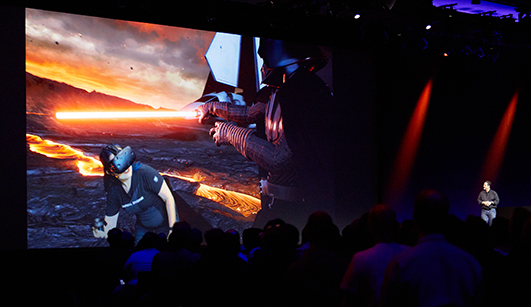
When companies gather to communicate with their employees, it is often the case that some groups aren’t fully aware of the progress made by other divisions. Similarly, large organizations may have employees working on only one part of a product or service. Many meetings need to facilitate a demonstration or unveiling, separate and apart from a full-on Product Launch Event. With such a diverse range of Products on the market, producing a Live Event may require some additional planning if a Product Showcase is required.
Production Tip:
From the very small to the very large, Connected devices, VR devices, AR Devices, Web-based products, IoT devices, data services, and anything else you can imagine, a litany of different production considerations may come into play. Does the Product require a shelf or podium for display? Is additional lighting set up required? Do you need a Camera with a special lens to zoom in? Are specialized adapters or connectors required to take a video signal from the device? Do you need IMAG in the Event Venue? Does the device make noises and should a microphone be strategically placed or connected?
These questions should be asked in pre-production. Plan ahead, story board your ideas and communicate your vision to your live event producer ahead of time!
Guest Speakers
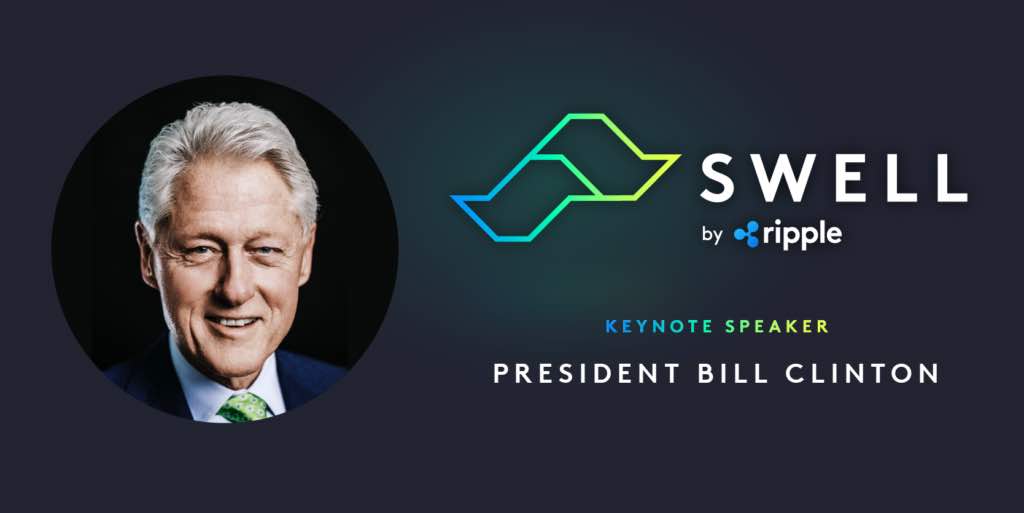
Sports Stars, Politicians, Comedians, Celebrities from Film, Television and Musical Acts, New Media personalities, Influencers, and Authors have been added to the list of common Guest Speakers at corporate events and meetings. Traditional Keynote motivational speakers are also still used to great effect. These types of Guests create buzz, excitement and entertainment value and contribute to communicating key themes and ideas of the event. Finding the right Guest will have an impact in real time at your event, continues to add value in Sizzle Reels and Presentations posted after your event, and helps boost promotion for subsequent events.
Live Event Q&A
This is a huge subject of increasing importance and sophistication for all event sizes and types. Q&A before your event, during your event, after your event. Many events, Live Streams and individual event segments will conclude with a Q&A session. Q&A may consume as much as a full quarter of the duration of a meeting or conference. Q&A can take many different formats ranging from pre-submitted questions, live attendee questions, live stream audience questions, verbal, text, tweet, email, or chat room.
Q&A also serves many different purposes, inclusion, addressing concerns, and understanding employees. The success of meetings is very often measured directly or indirectly by this form of engagement, and questions that are not answered live are sometimes collated and answered post-event. Follow up questions, Polling, and Surveys are all-but mandatory marketing and success measurements for Live Events, Employee Meetings, and Conferences.
Production Tip:
There are many different ways to faciliate a live event Q&A session. A ‘Voice of God’ moderator in the back of the room reading questions sent by email. Real time live stream audience questions can be sent to a Down Stage Monitor for the MC to read. A traditional “Mic Runner” delivering a microphone to an audience member with a raised hand, or try a new idea like a catchbox which can add some fun!. (If you do have to stick with the traditional Q&A Microphone runner format, you can’t go past this great article by Roman Ray about all things Microphone Runner).
Team Building, Culture Building
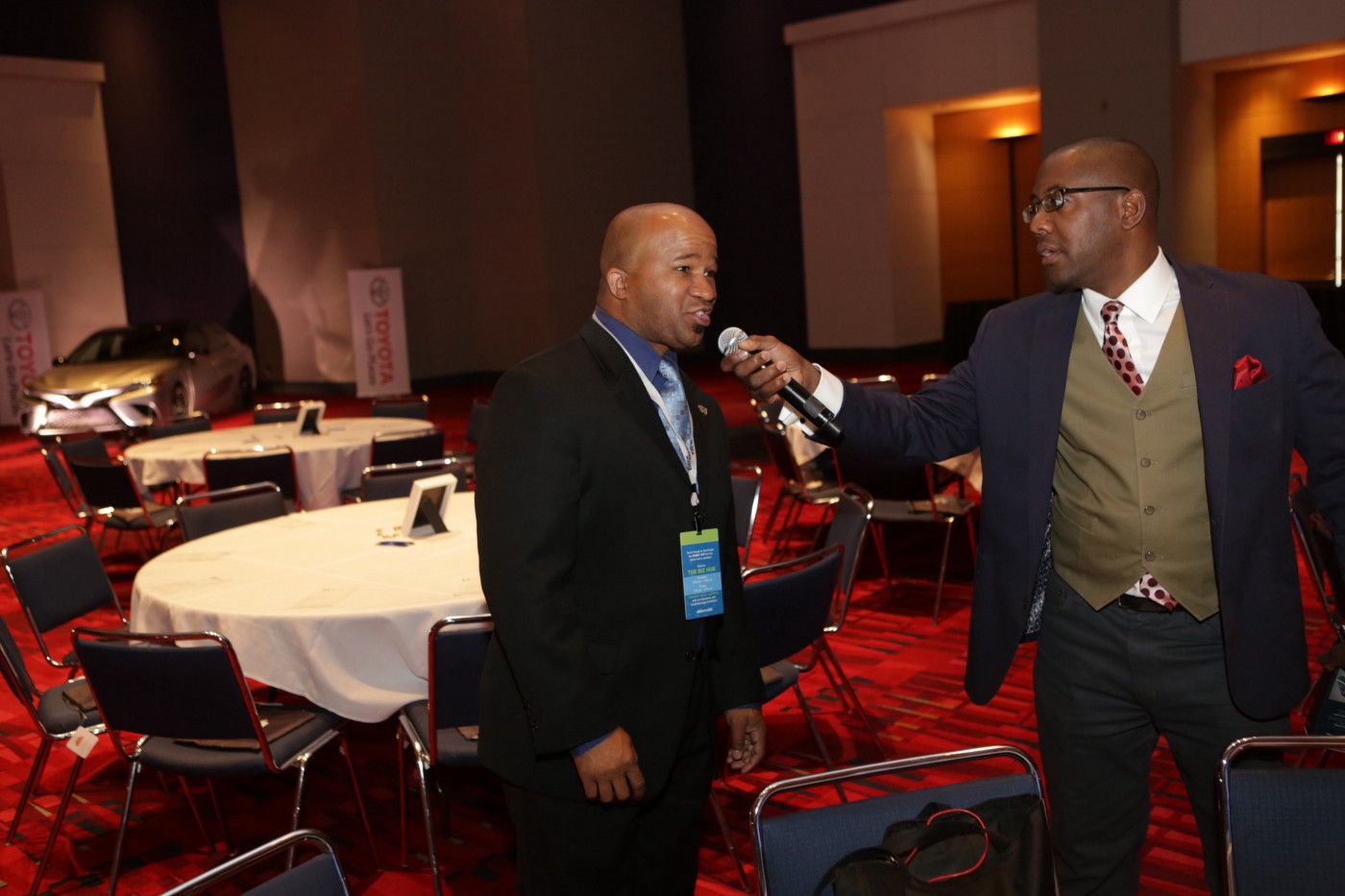
Innovation in Team Building and Culture Building has decreased the time required to facilitate these activities, and so they have jumped the rail into shorter format meetings and become more common at Live Events. Everything from charitable bike building for underprivileged kids, Lego-centric team building exercises, Painting classes, Talent Competitions, Game Shows, and Trivia ‘nights’. Gamification is by far the biggest buzz trending in this space… and it can mean many things, by utilizing apps, connectivity, and creativity, event organizers are using technology to boost learning, increase productivity, prompt networking, encourage feedback, and add excitement and entertainment value to Live Events.
This video from the popular television series The Office is an example of exactly how NOT to gamify your event or meeting. You can learn from Michael’s mistakes or better yet, check the Repertoire Run of Show Blog for our upcoming post “Live Event Production! What Could Go Wrong?”, where we’ll give you all of the best tips and tricks to avoid disaster…
