To P or not to 60P
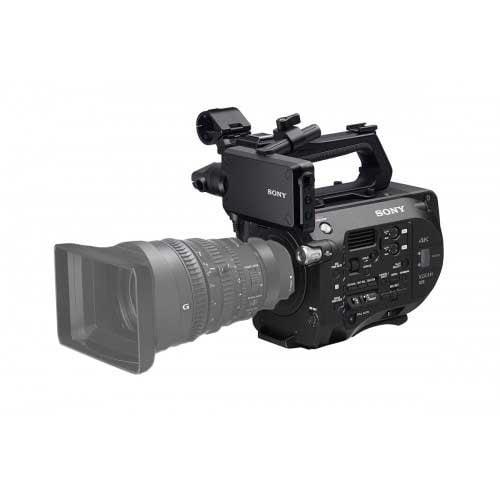
The Sony Fs7 can output progressive video from 24 – 60p in UHD or up to 180fps in HD.
Video is one of the fastest changing technologies on the market today. Influenced by developments in everything from sensor technology to compression algorithms, video formats, frame rates, & resolutions are constantly changing. One of the exciting evolutions that is starting to gain widespread adoption is 1080 60p video. Wrapped up in this description are 3 concepts:
The resolution of the video, the frame rate of the video and the scanning method of the video. All three are important when deciding what type of video to shoot.
- Resolution refers to the number of pixels captured in each frame of video. Standard Definition video captures 720×480 pixels. HD video can be shot in 1280×720 or 1920×1080. UHD will record 3840 pixels wide by 2160 pixels & DCI 4K video is 4096 × 2160- about 5 ½ times of SD!
- Frame rate refers to how many still images are captured each second. This is to give the illusion of motion. For many years, video was limited to a frame rate of 29.97 fps (different in Europe but that’s another story.) Now we can over crank video for super slow motion in addition to shooting regular motion at a higher frame rate.
- Progressive refers to the way the sensor scans the image you are shooting. Interlaced video is the older method. There are even and odd fields that combined to create one complete frame of video. That’s why you may have heard of both 60i video and 29.97 as interlaced-they describe the same thing but one is referring to fields and one refers to complete frames. In any case, you only will want to shoot interlaced if your program is going to broadcast. Always shoot progressive if the web ora movie theater is your destination.
All this begs the question-what frame rate and resolution is right for you? There are a number of factors that will help you determine the best decision.
Video Production Considerations
What is the primary destination for the video? Are you live streaming it or are you capturing to edit and upload later? If the video is being live-streamed you might want to consider shooting and broadcasting at 720p 30 or 60. For one, many of the live stream providers, or CDN’s, won’t broadcast higher than 1080p 30. This is the case with Facebook Live, which is quickly gaining traction as the most popular CDN out there. Why waste record space if all you want is a clean 720p stream?
Another important consideration is cable runs. HD-SDI cable will transport video at max resolutions of 720 60p or 1080 60i, while dual link and 3G SDI will transport true 1080 in both 30p and 60p frame rates. If you want end to end native progressive video with no deinterlacing artifacts and don’t have the capable camera & production switcher you would do well to consider 720.

1080 is bigger, and therefore better you say? It’s hard to argue with-more pixels does indeed mean a clearer, sharper image. If you are shooting primarily to record, or you have a CDN that supports 1080 streaming, and you haven’t made the jump into 4K-then by all means use 1080p. The most popular frame rates are 24, 30 and 60.
24 is considered the most “cinematic” but has lost popularity in recent years. Mostly DPs shoot 24p if they are transferring to film later on. 30p is “standard”. It’s the look people are going to be most familiar with when watching TV or movies. If going for a documentary or reality look, shoot 30p. 60p is going to give you the smoothest motion. If you are cutting together native 60p sources, like a gaming console and live video for example, you should consider shooting 60p.
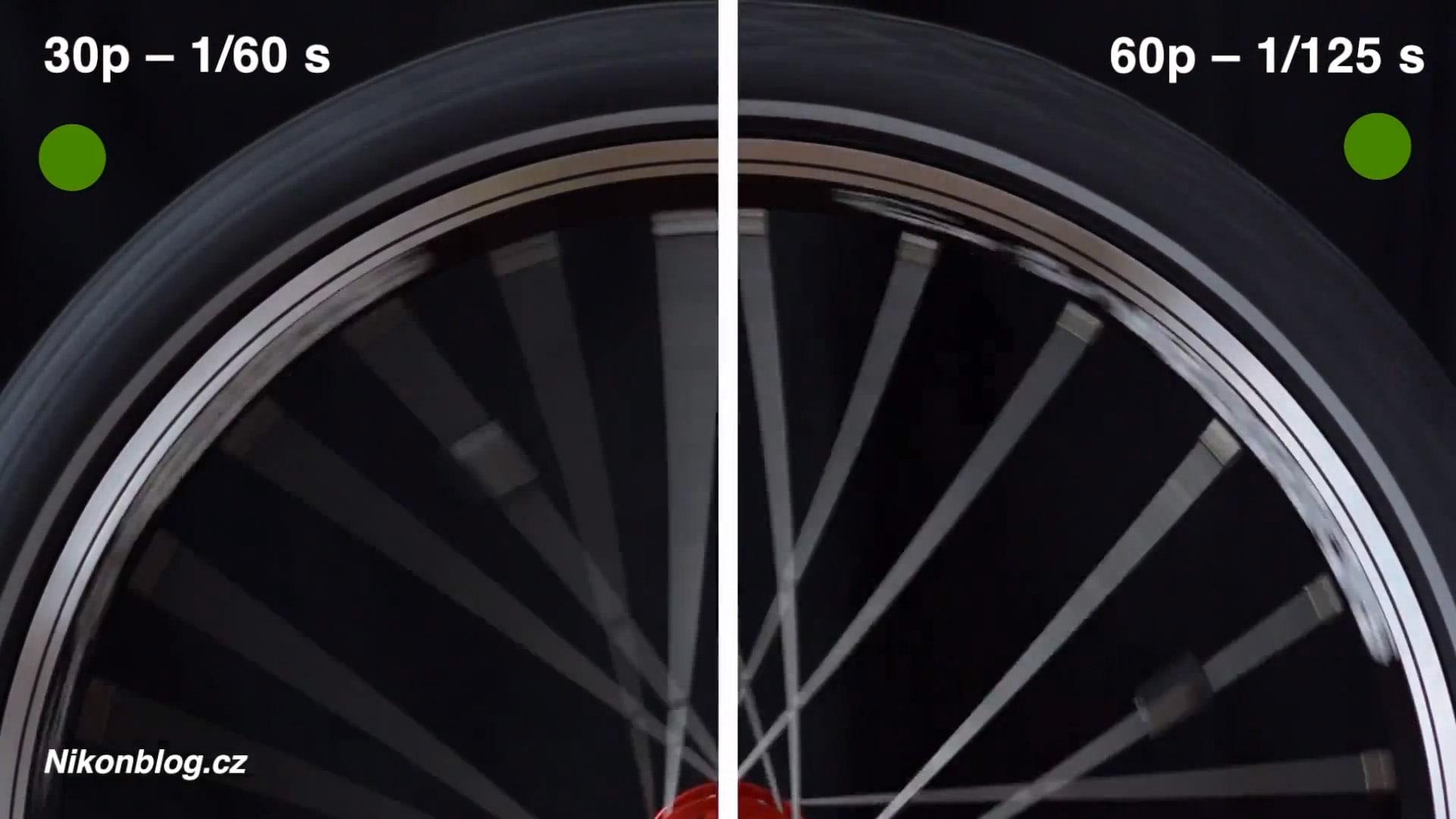
Smoother motion, more pixels-why ever shoot anything other than 1080 60p? Well, it’s a large upgrade investment and you need to make sure the gains outweigh the costs. As mentioned before, HD-SDI cable will not carry a 60p signal but dual link SDI or 3G SDI will. If you are not sure if your cables are HD-SDI or 3G/Dual Link, it’s probably HD-SDI. Dual Link will cost you upwards of $200 for one Dual Link SDI 100’ cable.
Secondly, if your camera is older than a couple of years old and not 4K capable it probably does not have a 1080 60p mode. If you can’t shoot 60 there is no point in up scaling to 60-you are only adding in virtual frames and that will create artifacts.
If you have the camera, the cables and the switcher that can handle it and (if you are streaming) you have a CDN that supports it, such as Twitch and Youtube, then 60p is a great option.
If that all sound like a pain and you rather just stick with good old 30 frame video, keep one more thing in mind: Clients more and more often will be requesting 60p video. It may even become the standard frame rate down the road and at that point you don’t want to be playing catch up.

Such is the saga of the ever changing video formats! More than any other film or AV equipment, video cameras are often obsolete within a few years of their release. Thats why it often makes more sense to hire a production company who is on top of these technology cycles than to go out and buy equipment yourself. If you have questions on streaming, video cameras, recording formats or any other video or audio related question, Repertoire Productions is here to help! Feel free to drop us a line any time-let’s talk shop.
- 4K
- 60p
- game streaming
- HD
- live streaming
- proggresive scan
- SD
- video formats